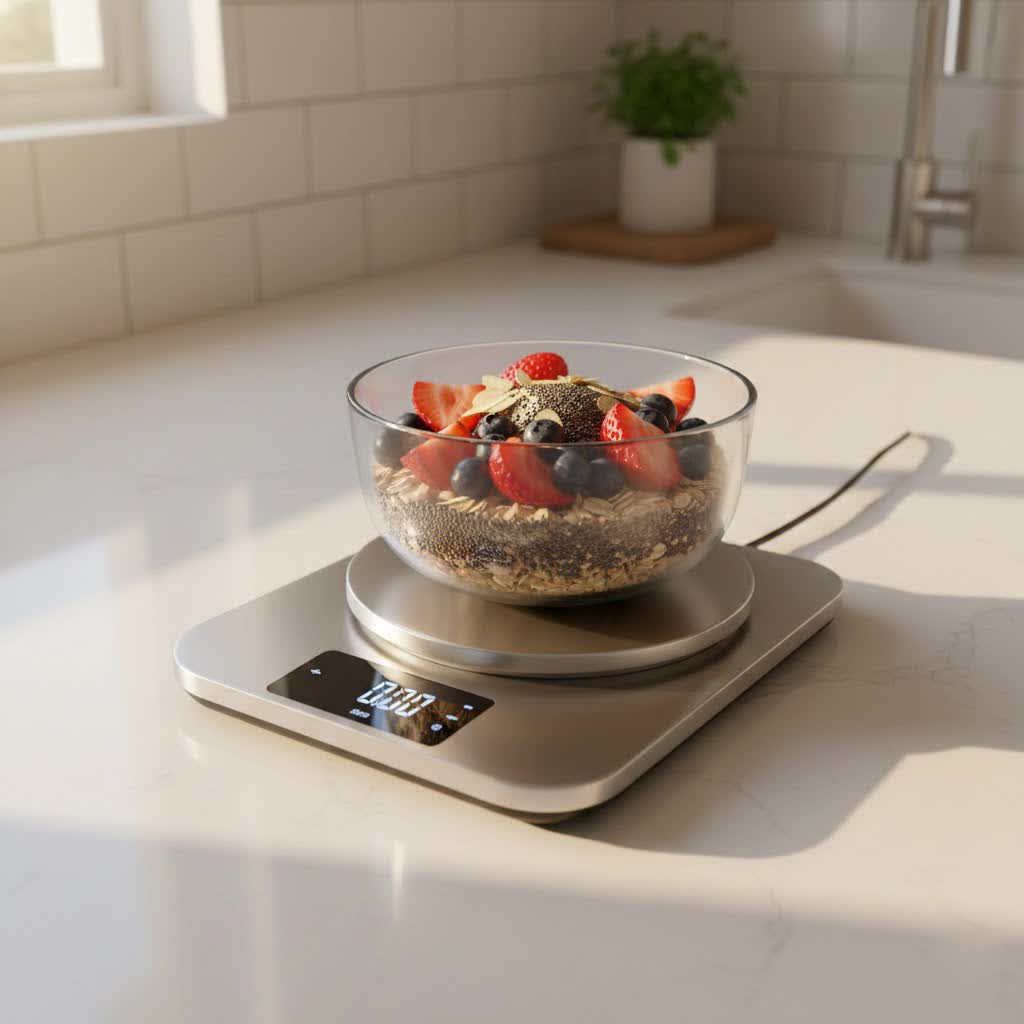
Welcome to reviewtvs.com! With over a decade of experience reviewing kitchen appliances, especially digital kitchen scales, I’ve tested hundreds of models. I understand what truly matters when choosing the right scale for your needs. This article will share practical insights to help you make an informed decision, just like a friend guiding you through the options. Today, we’re diving into a crucial design choice that impacts usability: the comparison between touch-sensitive and physical buttons on your digital kitchen scale.
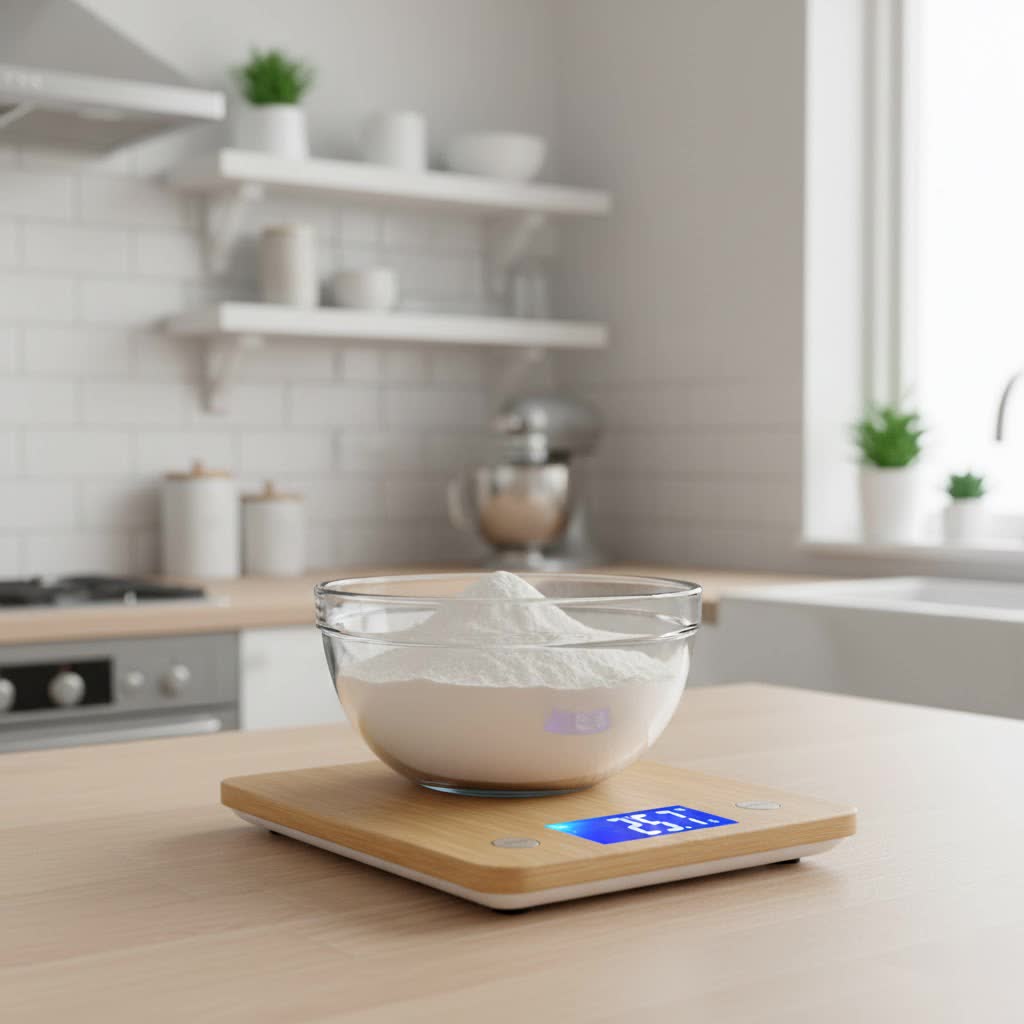
Why Digital Kitchen Scales Are Essential
In the modern kitchen, a digital kitchen scale is more than just a gadget; it’s a fundamental tool for culinary success and healthy living. Accurate measurement of ingredients directly impacts the quality and consistency of your dishes, transforming good recipes into great ones. Especially for baking, where precise ratios are paramount, a reliable scale ensures your creations turn out perfectly every time. Beyond recipes, digital scales empower you to control portion sizes, aiding in healthy eating and dietary management. They also save significant time and effort compared to traditional mechanical scales, making your cooking process smoother and more enjoyable.
Understanding Digital Kitchen Scale Interfaces
Digital kitchen scales rely on intuitive interfaces to help you navigate functions like tare, unit conversion, and power. The primary interaction point is typically through buttons, which generally come in two main forms: physical buttons or touch-sensitive (capacitive) controls.
Physical Buttons are the classic choice. These are tangible, often raised buttons that you physically press to activate a function. They provide a clear, tactile click or resistance, giving you immediate feedback that your command has been registered. You’ll find these on many robust and user-friendly digital kitchen scale models.
Touch-Sensitive Buttons, also known as capacitive touch controls, offer a sleek, modern alternative. Integrated directly into the scale’s surface, they respond to the touch of your finger without any moving parts. This design contributes to a very smooth, often all-glass, surface, enhancing the contemporary aesthetic of the digital kitchen scale.
The Great Debate: Touch-Sensitive vs. Physical Buttons
When choosing a digital kitchen scale, the type of buttons it features can significantly impact your daily experience. Both have distinct advantages and drawbacks.
Physical Buttons: The Tactile Advantage
|
Our Picks for the Best Digital kitchen scale in 2026
As an Amazon Associate I earn from qualifying purchases.
|
||
| Num | Product | Action |
|---|---|---|
| 1 | Food Scale -33lb Digital Kitchen Scale for Food Ounces Grams Rechargeable 304 Stainless Steel,Batteries and Type-C Charging | Perfect for Meal Prep, Cooking, and Baking, Black |

|
| 2 | Amazon Basics Digital Kitchen Scale with LCD Display, Tare Function, Multiple Units, Weighs up to 11 Pounds, Batteries Included, Black and Stainless Steel |
|
| 3 | Mik-Nana Food Scale, 22lb Digital Kitchen Scale with 6 Units Tare Function & LCD Display, Stainless Steel Weight Grams and Ounces for Baking, Cooking and Meal Prep (Batteries Included) |
|
| 4 | Food Scale, 11lb Kitchen Scale with 0.05oz/1g Precision, 6 Units Tare Function & LCD Display, Stainless Steel Digital Scale for Baking, Cooking, Meal Prep - Kitchen Gadgets & Gifts, Home Essentials |
|
| 5 | Nicewell Food Scale, 22lb Digital Kitchen Scale Weight Grams and oz for Cooking Baking, 1g/0.1oz Precise Graduation, Stainless Steel and Tempered Glass |
|
| 6 | Etekcity Digital Food Kitchen Scale, Grams and Oz for Weight Loss, Baking and Cooking, 0.05oz/1g Precise Graduation,5 Weight Units, IPX6 Waterproof, USB Rechargeable,304 Stainless Steel-Silver, 22lb |
|
| 7 | OXO Good Grips 11-Pound Stainless Steel Kitchen Scale with Pull-Out Display - Black |
|
| 8 | Mik-Nana Food Scale, 10kg/22lb Digital Kitchen Scale Weight Grams and Ounces for Baking Cooking Coffee Package Postage, 6 Units with Tare Function, LCD Display, Easy Clean Stainless Steel |
|
| 9 | Ultrean Food Scale, Digital Kitchen Scale with LCD Display, Weight Grams and Ounces for Baking Cooking and Meal Prep, 6 Units with Tare Function, 304 Stainless Steel, 11lb (Batteries Included) |
|
| 10 | Etekcity Food Kitchen Scale, Digital Grams and Ounces for Weight Loss, Baking, Cooking, Keto and Meal Prep, LCD Display, Medium, 304 Stainless Steel |
|
For many home cooks and professional chefs, physical buttons are the preferred choice, primarily due to their unmistakable tactile feedback. When you press a physical button, you feel a distinct click or depression, confirming that your input has registered. This immediate response is invaluable, especially when you’re in the middle of a recipe and need to quickly tare the scale or switch units without having to look directly at the buttons. This “physical reassurance” prevents double-pressing or the frustration of a missed command.
Another significant benefit is their reliability in a messy kitchen environment. Cooking often involves flour, dough, wet ingredients, or slightly greasy hands. Physical buttons typically perform consistently even when your fingers are a bit damp or dusty. They are less prone to accidental activation from spills or during cleaning, ensuring your measurements remain undisturbed. This robustness makes them a dependable companion for everyday kitchen tasks.
However, physical buttons can sometimes be a less aesthetic choice. Their raised design, while functional, might not always align with a minimalist kitchen decor. Furthermore, if not designed well, the small crevices around physical buttons can become traps for flour, sugar, or other food particles, making cleaning slightly more cumbersome.
Touch-Sensitive Buttons: The Modern Appeal
Touch-sensitive buttons offer a streamlined and contemporary look that many users find appealing. Integrated seamlessly into the surface of a digital kitchen scale, they create a sleek, flat profile that blends effortlessly into modern kitchen aesthetics. This design is particularly attractive on scales with glass platforms, where the entire surface can be wiped clean in one smooth motion, free from crevices where food might accumulate.
The smooth surface of touch-sensitive scales is undeniably easy to clean. Without raised buttons or gaps, simply wiping down the scale with a damp cloth is often enough to keep it pristine, making hygiene a breeze. This can be a huge advantage for those who prioritize a spotless kitchen and minimalist design.
However, the very features that make touch-sensitive buttons appealing can also be their biggest drawbacks. The lack of tactile feedback means you often don’t get a clear indication that a button press has registered. This can lead to uncertainty and require you to look at the display to confirm your action, which can slow you down during a busy cooking session.
A common complaint is their susceptibility to accidental activation. A stray drop of water, a brush of your sleeve, or even cleaning the scale can inadvertently trigger a function like “tare” or “power off.” Users have also reported issues where the scale registers the “weight” of a finger pressing the tare button, preventing it from zeroing out correctly. Furthermore, wet or flour-dusted fingers can sometimes struggle to activate these sensors reliably, adding frustration to the cooking process.
Comparison: Touch-Sensitive vs. Physical Buttons
Let’s break down the key differences to help you decide which interface best suits your culinary style.
| Feature | Physical Buttons | Touch-Sensitive Buttons |
|---|---|---|
| Tactile Feedback | Excellent; clear click or feel of engagement | None; relies on visual confirmation on the display |
| Reliability (Wet/Dirty Hands) | Highly reliable, less prone to misfires | Can be unreliable; may not register or might misfire |
| Accidental Activation | Low; requires deliberate pressure | Higher; susceptible to spills, cleaning, or incidental touches |
| Cleaning Ease | Can collect grime around edges (if raised) | Very easy; smooth, seamless surface wipes clean effortlessly |
| Aesthetics | Functional, traditional, can be robust-looking | Sleek, modern, minimalist design |
| Perceived Durability | Often feels more robust, mechanically sound | No moving parts, but sensors can be sensitive over time |
| User Frustration | Generally lower due to clear feedback | Can be higher due to lack of feedback or false inputs |
How to Choose Your Ideal Digital Kitchen Scale
Selecting the perfect digital kitchen scale involves more than just aesthetics; it’s about matching the tool to your unique cooking habits. When it comes to the button interface, consider these factors:
Determine Your Usage Needs
- What kind of ingredients do you typically weigh? If you frequently handle sticky dough, flour, or wet ingredients, physical buttons might offer more consistent performance. For mostly dry, clean tasks, a touch-sensitive interface might be fine.
- How often do you use your scale? For daily, intensive use, reliability and tactile feedback become paramount.
- What is your budget? While both types of buttons appear across various price points, sometimes entry-level touch-sensitive models might compromise on sensor quality.
Key Factors Beyond Buttons
- Accuracy: Always prioritize a digital kitchen scale with minimal error margins, ideally to 0.1 gram for precise baking.
- Capacity: Ensure the maximum weight capacity suits your needs. A 5kg (11lb) capacity is generally sufficient for most home cooks.
- Units of Measurement: Look for scales that easily switch between grams, ounces, pounds, and milliliters.
- Tare Function: This feature is non-negotiable, allowing you to zero out the weight of containers or add multiple ingredients into one bowl.
- Material: Stainless steel or tempered glass surfaces are durable and easy to clean.
- Display: A large, backlit display is crucial for readability, especially when using larger bowls that might obstruct the view. Some scales even feature pull-out or detachable displays for enhanced visibility.
- Auto-off Feature: While energy-saving, an auto-off that is too short (e.g., 30 seconds) can be incredibly frustrating during longer cooking processes. Look for adjustable settings or a longer default.
Top Digital Kitchen Scale Brands and Their Approaches
Many reputable brands offer excellent digital kitchen scales, often incorporating different button philosophies to cater to varied preferences. Some brands, valuing robust functionality and user feedback, often stick with traditional physical buttons, while others lean into sleek, modern designs with touch-sensitive controls. Brands like OXO, Ozeri, and Etekcity are often praised for their reliable digital kitchen scale offerings, with various models featuring both button types. It’s always a good idea to check recent reviews for specific models, as user experience with button responsiveness is frequently highlighted.
Tips for Using and Maintaining Your Digital Kitchen Scale
Regardless of your button choice, proper use and maintenance will extend the life and accuracy of your digital kitchen scale.
- Flat Surface: Always place your scale on a stable, level surface to ensure accurate readings.
- Regular Cleaning: Wipe down your scale after each use with a damp cloth. For physical buttons, pay attention to the crevices to prevent food buildup. For touch-sensitive surfaces, a quick wipe is usually all it takes. Avoid harsh chemicals or submerging the scale in water.
- Battery Care: Replace batteries regularly. Low battery power can affect accuracy.
- Storage: Store your digital kitchen scale in a dry, cool place to protect its electronic components. Avoid placing heavy items on it when not in use.
“The choice between physical and touch-sensitive buttons often boils down to cooking style. Bakers who work quickly and with messy hands will likely find the tactile feedback of physical buttons indispensable, while those who prioritize a minimalist aesthetic and easy-to-wipe surfaces might lean towards touch controls.”
Conclusion
Choosing the right digital kitchen scale, especially when considering the interface between touch-sensitive and physical buttons, can significantly enhance your cooking experience. Physical buttons offer tactile assurance and reliability in a busy kitchen, making them a favorite for those who value clear feedback and ease of use with messy hands. Touch-sensitive buttons, on the other hand, provide a sleek, modern aesthetic and unparalleled ease of cleaning, appealing to cooks who prioritize design and a seamless surface.
Ultimately, your ideal digital kitchen scale should seamlessly integrate into your culinary routine. By considering your personal cooking habits, the level of feedback you prefer, and the importance of aesthetics and easy cleaning, you can confidently select the perfect scale. Which button type do you think would best complement your kitchen adventures?
Frequently Asked Questions
Are touch-sensitive digital kitchen scales less accurate than those with physical buttons?
No, the type of button interface generally does not affect the core weighing accuracy of a digital kitchen scale. Accuracy is determined by the scale’s internal sensors and calibration. The button type primarily impacts the user experience and interaction with the scale’s functions.
Can wet hands affect the performance of touch-sensitive buttons?
Yes, wet or flour-dusted hands can often interfere with the responsiveness of touch-sensitive (capacitive) buttons, making them difficult to activate or leading to unintended presses. Physical buttons tend to be more forgiving in such kitchen conditions.
What is the “tare” function and why is it important for a digital kitchen scale?
The “tare” function allows you to reset the scale to zero after placing a container on it or after adding an ingredient. This lets you measure subsequent ingredients accurately without including the weight of the bowl or previously added items. It’s crucial for precise cooking, especially when following recipes that require multiple ingredients measured in the same bowl.
Are scales with touch-sensitive buttons harder to accidentally turn on or off?
Touch-sensitive buttons can sometimes be more prone to accidental activation from spills, cleaning wipes, or even a brush of your hand, as they don’t require physical pressure. Physical buttons typically require a deliberate press, reducing the likelihood of unintended commands.
How often should I calibrate my digital kitchen scale?
Most modern digital kitchen scales are factory-calibrated and maintain accuracy for a long time. However, if you notice inconsistent readings or significant fluctuations, referring to your scale’s manual for re-calibration instructions or troubleshooting is advisable. Some high-end scales allow user calibration with specific weights.